A Chrome extension for digital product teams to collect feedback directly on any website without leaving the tab
My role
Product Designer
UX Researcher
What I did
- Set clear project goals and success criteria
- Conducted discovery and user research to understand user needs
- Synthesized findings and led ideation workshops to shape solution directions
Product outcome
- decreased feedback collection time by 2–5 mins;
- decreased 15–30% of duplicated feedback;
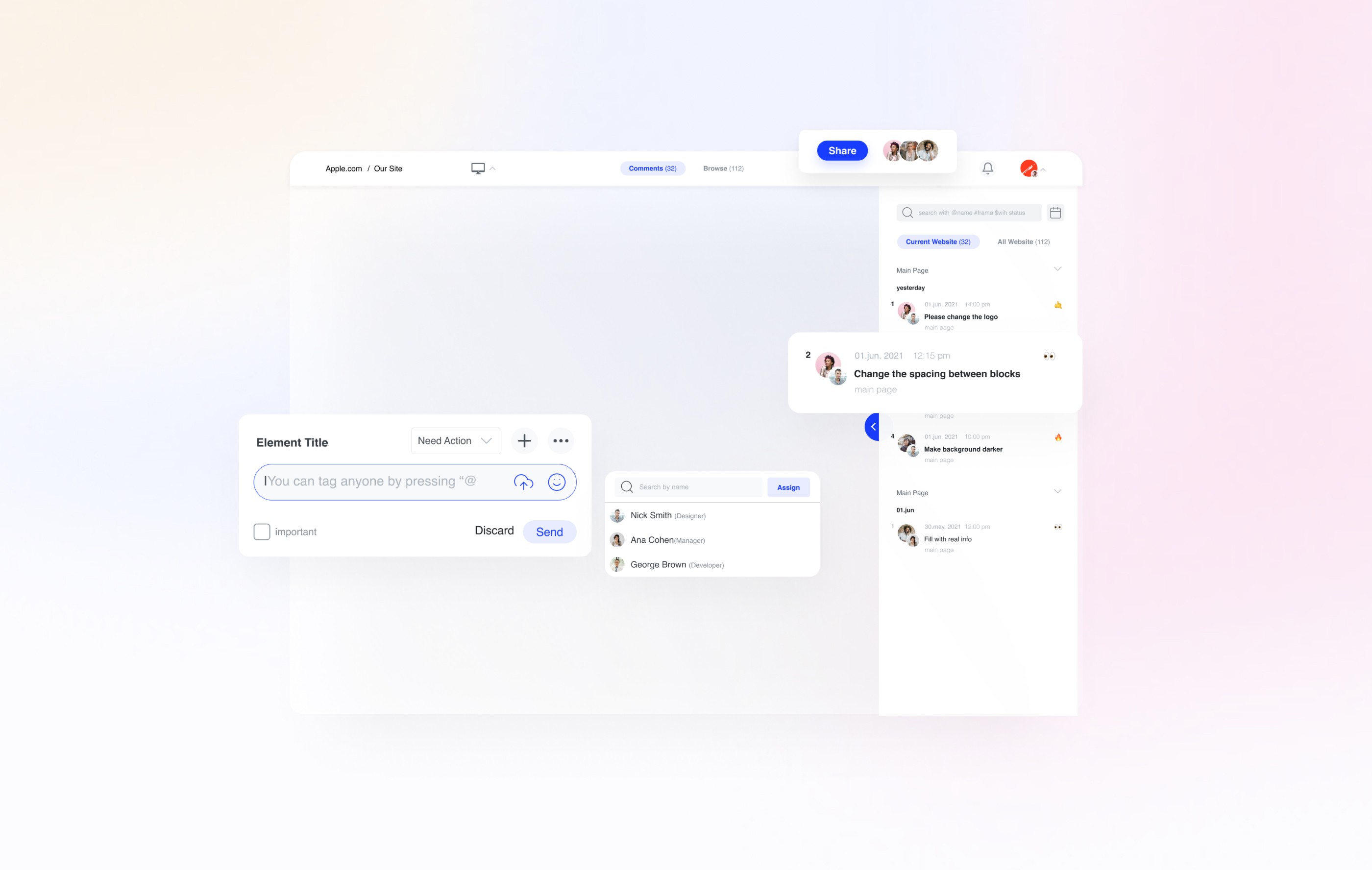
THE CHALLANGE
We started by defining our users, the problems we were solving, and the values the product should stand for. After my workshop question was clear, how might we enable teams to capture actionable feedback in context with minimal interruption?
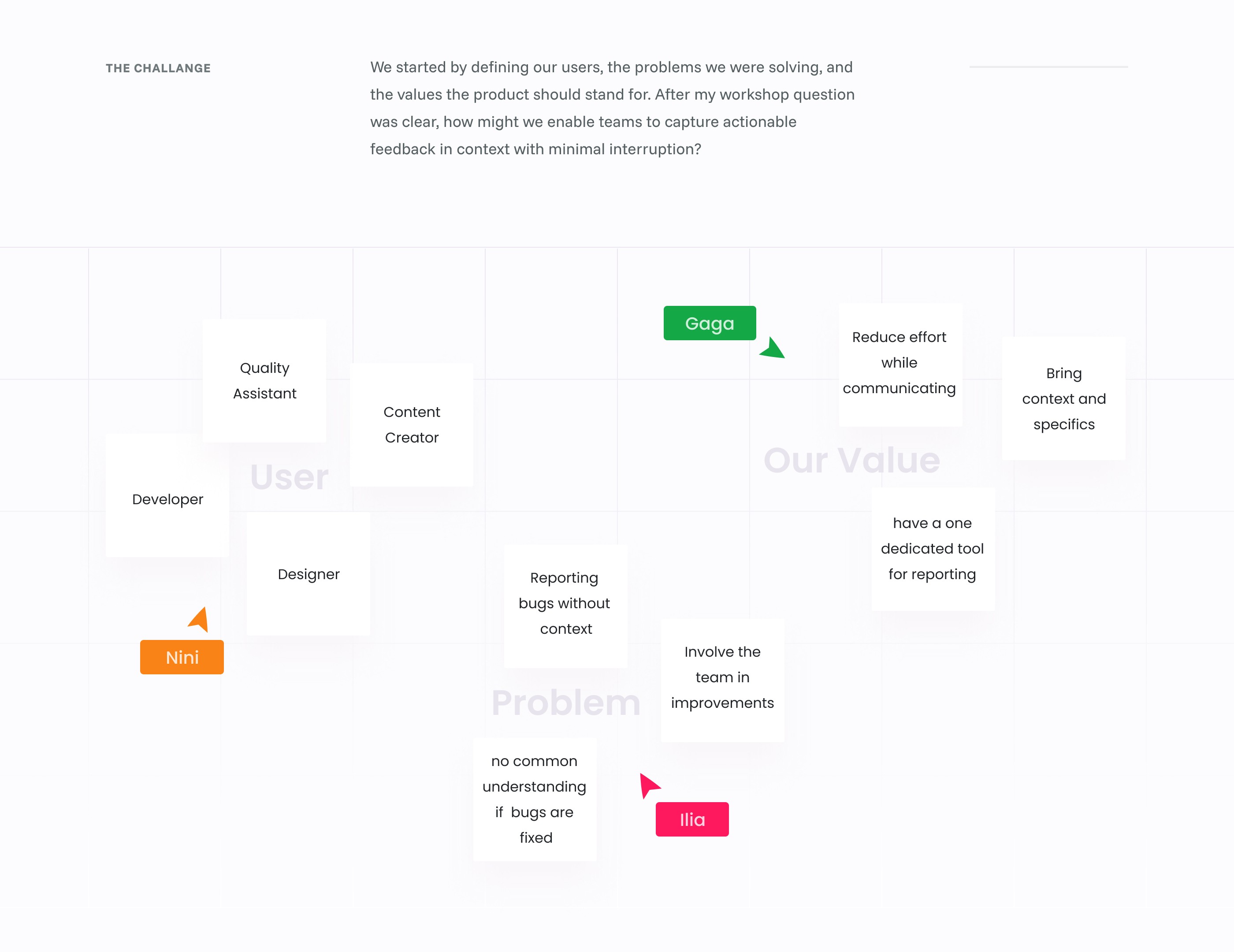
COMPETITOR RESEARCH
By analyzing existing platforms, I identified a clear opportunity: the addressable market was large, but competitors consistently lacked functionality to cover user needs.
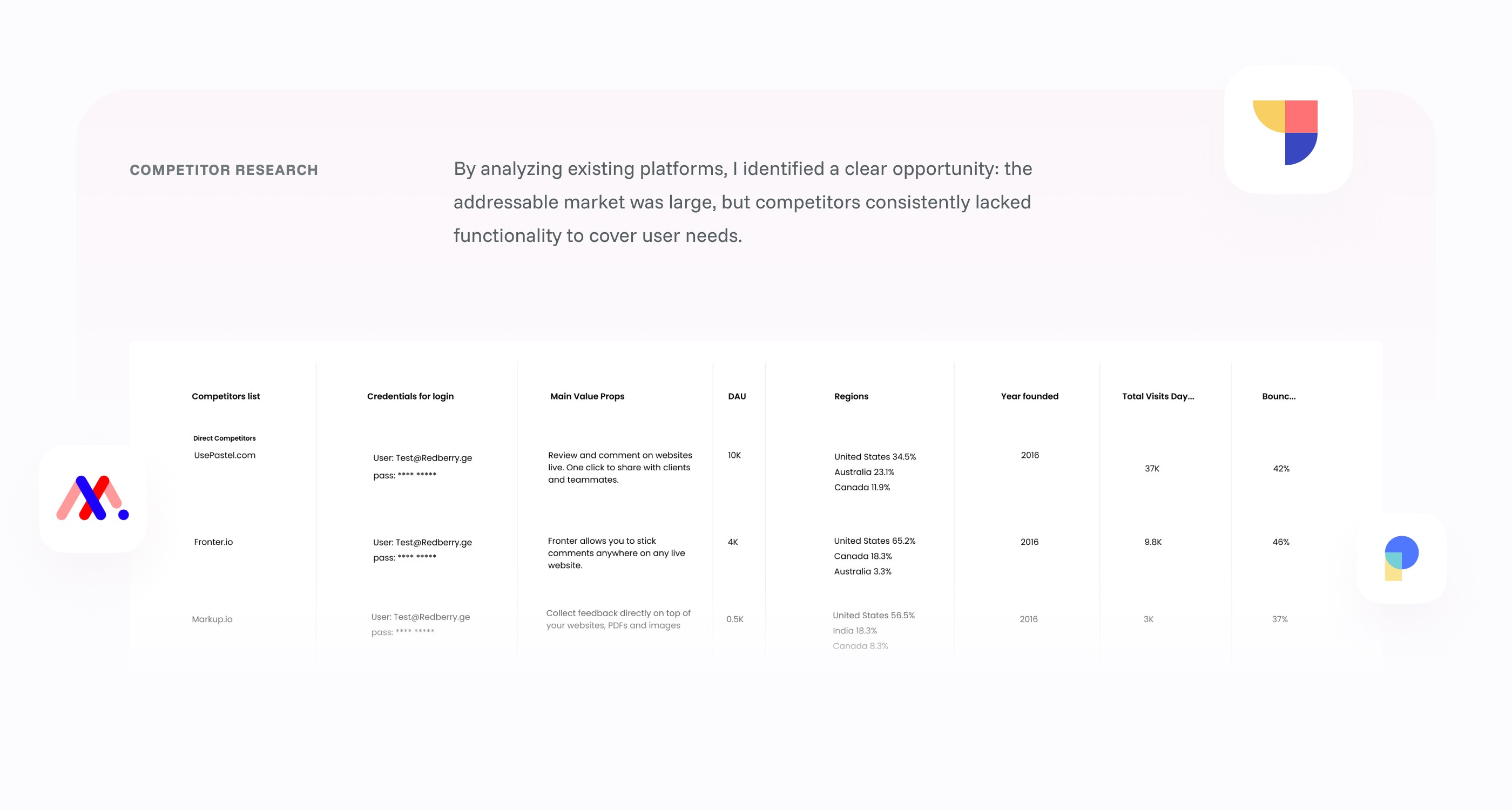
USER RESEARCH
Through user interviews, I explored how teams report visual defects and track updates, uncovering key pain points such as exhausting context switching, imprecise visual feedback, buried conversations in chat tools, and unclear status visibility.
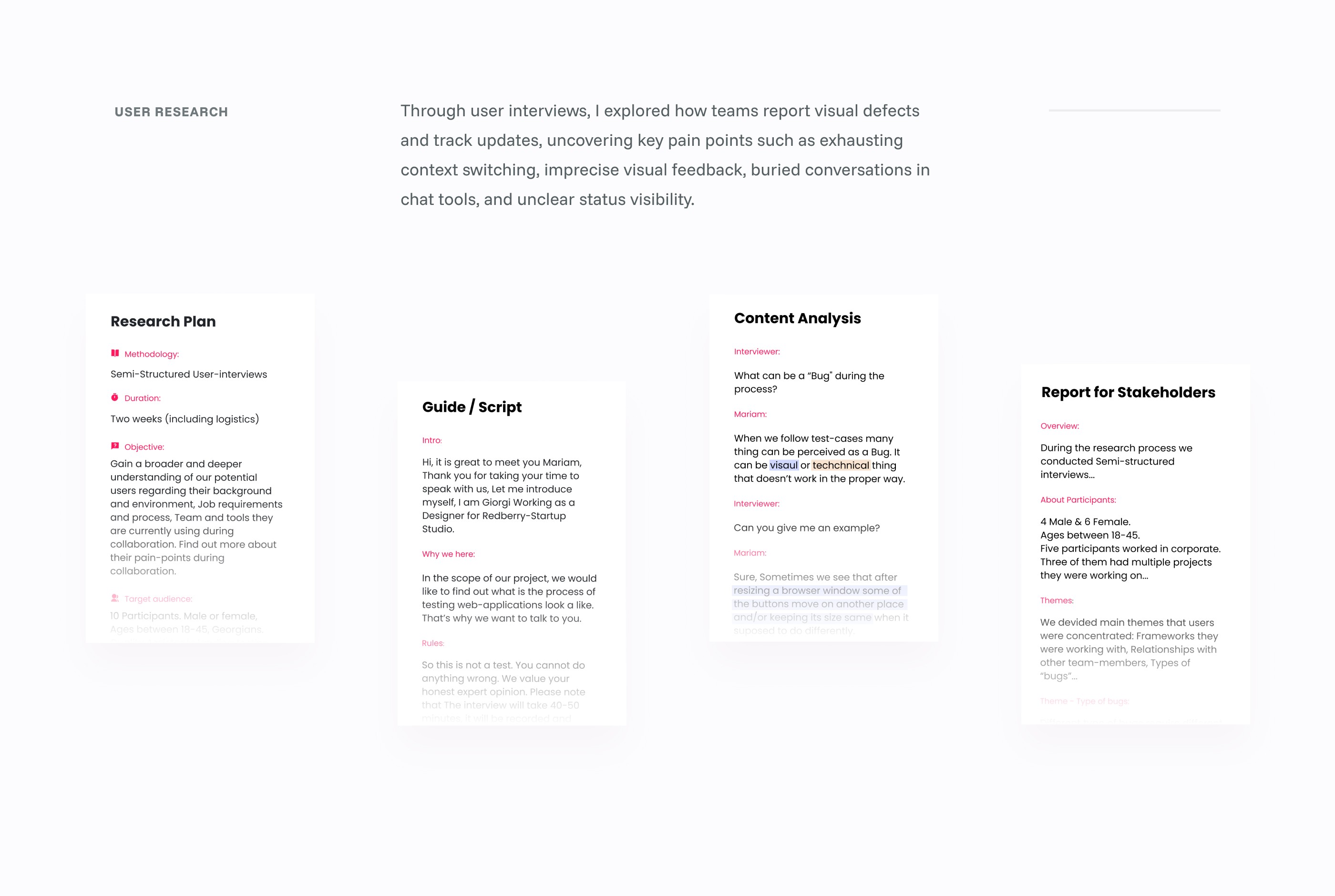
VISUALIZING USER-WORKFLOW
We created hierarchical task diagrams to map how teams report visual defects and how QA tracks changes, highlighting additional steps required for complex issues.
User Goal
Report a visual defect (bug)
Plan0: Do in order
1 · Capture
Plan1: Do in order, For complex issues
1.1Follow the user flow to explore anything suspicious
2 · Annotate
Plan2: Do in order, For complex issues
2.1Take a screenshot and describe to clarify the issue
3 · Submit
Plan3: Do in order, For complex issues
3.1Create a ticket and attach the screenshot
3.2Add browser version, resolution etc.
LEARNINGS
- “In-context” beats “more detail” so the UI should mirror the real workflow moment users are in;
- Rely on discovery and synthesis to define the workflow before proposing solutions;